
Use this semester grade calculator to combine quarter or term grades and exam weights into one semester grade. It also works as a semester average calculator, a quarter grade calculator and a weighted grade calculator: enter each period’s percentage and weight, check your current standing with or without the final exam, and find the average you need on the remaining work to reach a target grade.
How This Semester Grade Calculator Works
A semester grade is a weighted average of the graded periods in a course. A school might count each of two quarters at 40% and the final exam at 20%, average four quarters equally, or use two terms with no exam at all. Each period’s percentage is multiplied by its weight and the results are added up.
Weights, passing rules and rounding differ between schools, so check your syllabus or handbook before calculating.
For Current standing:
Current average (%) = Σ(earned score × its weight) ÷ Σ(weights of earned scores)Current standing uses only graded work. Blank scores and scores marked as estimates are excluded. The result describes your average so far, not your completed semester grade.
How to Calculate Your Semester Grade
- Pick a weight preset or choose custom weights, and rename the periods if you like. Presets are examples, so check your syllabus.
- Type each period's score as a percentage. Leave a period blank if it has not been graded yet. A blank is not a zero.
- Mark a score as an estimate if it is only a guess. Estimates are never counted as earned work.
- Press Calculate or Enter. Change anything afterwards and the result is marked as needing recalculation until you press Calculate again.
- Optionally enter a target grade to see the weighted average you would need on the remaining work.
Semester Grade Formula: How to Calculate a Weighted Average
Semester grade = sum of (score × weight) ÷ sum of weights, with weights written as percentages that should total 100%.
- A blank score is ungraded. An entered 0 is a real zero and counts.
- A weight of 0 leaves a period out and the table says so. A blank weight on a period you filled in is an error, not a zero.
- Weights that add up to between 99.99% and 100.01% are treated as 100% to correct rounding: each weight is divided by the total, and the page tells you when that happened. Weights further away are not changed. Three scores of 90 with weights of 33.33% each give exactly 90.00%.
- If weights total less than 100%, Current standing can still show your average so far and the unallocated gap, but a full result and the planner wait until the weights are corrected. If they total more than 100% nothing is calculated.
- Scores must be between 0 and 100 unless you turn on extra credit and set the highest score you want to allow. That ceiling is your own assumption, not a school promise.
- The percentage is shown to two decimals, rounded half up, but every calculation keeps full precision. The optional letter uses the unrounded percentage unless you ask it to round to a whole percent first.
Semester Grade Example: 40% + 40% + 20%
Quarter 1 is 80% at a weight of 40%, quarter 2 is 90% at 40% and the final exam is 100% at 20%. The contributions are 80 × 0.40 = 32, 90 × 0.40 = 36 and 100 × 0.20 = 20, so the semester grade is 32 + 36 + 20 = 88%.
If the final exam has not happened yet, Current standing uses only the graded 80% of the semester: (32 + 36) ÷ 0.80 = 85%. That is your average so far, not your semester grade.
To finish at 90%, the remaining 20% must supply 90 − 68 = 22 points, so you would need a score of 22 ÷ 0.20 = 110% on the exam. Without extra credit the highest possible result is 68 + 20 = 88%, so the target cannot be reached. With two quarters at 50% each, a score of 80 and a score of 90 give (80 + 90) ÷ 2 = 85%, and raw points convert as earned ÷ possible × 100, so 18 out of 20 is 90%.
Common Semester Weights and the Presets in This Calculator
The calculator opens with example weights you can switch between. They are examples, not any school’s rules, so check your syllabus before relying on one.
- 40 / 40 / 20: two quarters at 40% each and a final exam at 20%.
- 50 / 50: two quarters at 50% each, no exam.
- 45 / 45 / 10: two quarters at 45% each and a final exam at 10%.
- Custom: add up to 20 periods, name them and set your own weights.
Semester Grade With a Midterm and a Final
If your course also has a midterm, add it as its own period and set the weights from your syllabus. For example, Quarter 1 at 85% (weight 30%), Quarter 2 at 90% (30%), a midterm at 80% (15%) and a final at 88% (25%) give 85 × 0.30 + 90 × 0.30 + 80 × 0.15 + 88 × 0.25 = 25.5 + 27 + 12 + 22 = 86.5%.
How to Calculate Semester Grades From Quarter Grades
If your school averages quarters, enter each quarter as its own period. With four equal quarters, give each a weight of 25%. Quarter grades of 88, 92, 85 and 90 give (88 + 92 + 85 + 90) ÷ 4 = 88.75%. If the semester is two quarters plus an exam, use the weights from your syllabus, as in the 40% + 40% + 20% example above.
Weighted Average vs Simple Average
A simple average treats every grade as equal. A weighted average lets bigger parts of the course count for more, which is why weights matter. Two quarters scoring 80% and 90% average 85% when each counts for 50%. If the first quarter is worth 70% and the second 30%, the weighted result is 80 × 0.70 + 90 × 0.30 = 56 + 27 = 83%. Same scores, different weights, different semester grade.
How to Calculate a Semester Grade Without the Final
- If your school has no final exam, enter only the periods that count and give them weights that total 100%, for example 50% and 50%.
- If the final has not happened yet, leave its score blank. A blank is ungraded, not a zero, so Current standing shows your average so far.
- Add a target grade to see the average you would need on the remaining work.
What Average Do You Need on the Final or Remaining Work?
The planner solves for one weighted average across all unfinished or estimated periods, not a separate score for each. When one period is left, that average is simply the score you need on it. It tells you when a target is already secured even if the remaining work scores 0, and when it is not reachable under your score ceiling, along with the maximum you could still reach. If every period is graded there is nothing left to plan.
With the 40 / 40 / 20 preset, the exam score you need is (target − 0.40 × Quarter 1 − 0.40 × Quarter 2) ÷ 0.20. With quarters of 88% and 92% and a target of 90%, you need (90 − 35.2 − 36.8) ÷ 0.20 = 90% on the exam. For a 93% target you would need (93 − 72) ÷ 0.20 = 105%, which is above 100%, so it is out of reach without extra credit. Enter your own quarters and target in the planner above to see your exact number.
Grading Assumptions and Limitations
- Schools differ. Some use their own letter rules or passing rules that override a simple percentage average, so the letter shown here comes from an example scale you can edit and is not any school's policy.
- If your final exam is already counted inside a quarter average, do not add it as a separate period as well, or it will be counted twice.
- A percentage such as 70% or 80% does not have one universal letter or GPA meaning. This tool does not convert to GPA.
- The calculator holds up to 20 periods. Your entries stay in your browser and are not saved or placed in the page address.
- The result is an estimate from the numbers you enter. It is not an official grade.
Frequently asked questions
How does semester grading work?
Most schools combine several graded periods into one semester result using weights: for example two quarters worth 40% each and an exam worth 20%. Your syllabus or handbook gives the weights, and some schools add their own rules, so use this calculator to do the arithmetic and your school's policy for the final word.
How do I calculate my semester mark?
Multiply each period's percentage by its weight as a decimal, add the results and check that the weights total 100%. For 80%, 90% and 100% at 40%, 40% and 20% that is 32 + 36 + 20 = 88%.
How do I calculate a semester grade without the final?
If your school has no final exam, enter only the periods that count and give them weights that total 100%, such as 50% and 50%. If the exam has not happened yet, use Current standing to see your average so far and the target planner to see what the exam needs to deliver.
Is a blank score the same as a zero?
No. A blank means the work is not graded yet and is left out of Current standing. Only a zero you type counts as zero.
What if my weights do not add up to 100%?
Check your syllabus first. Totals within 0.01 of 100% are treated as 100% to correct rounding. Lower totals only support a current average, and higher totals are blocked, because the calculator will not guess how to rescale them. How to calculate weighted grades explains what to do when weights do not total 100%.
What grade is 70% out of 100?
It is 70%. Whether that is a C, a C- or something else depends on your school's scale: on this page's plus/minus example scale it is a C- and on the basic example scale a C, and both can be edited. The score-to-grade chart covers other common scores.
Is an 80% a 3.0 GPA?
Not by any universal rule. GPA scales are set by each school or college. To combine course grades into a GPA, use the College GPA Calculator, which lets you set the scale.
Sources
- Akron Public Schools grade calculator: an example of a district tool built around specific exam structures.
- Broward County Public Schools grading and GPA guidance: an example of grading rules that go beyond a simple weighted percentage.
Last reviewed: 15 October 2026.
Free calculators
More free calculators
Pick the next tool for what you're working out. Each one shows its formula and assumptions, and none needs an account.
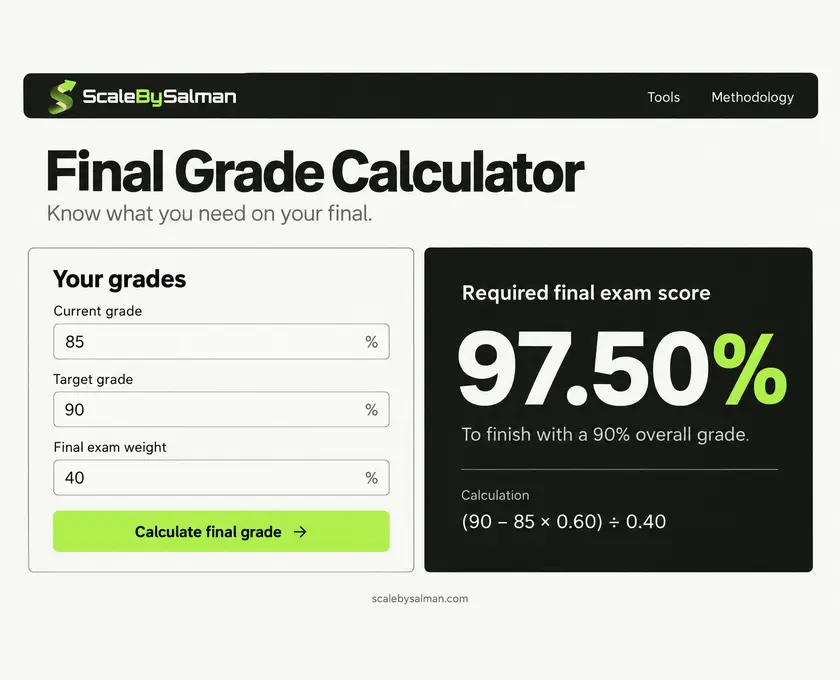
Final Grade Calculator
Find the exam score you need to reach your target course grade.
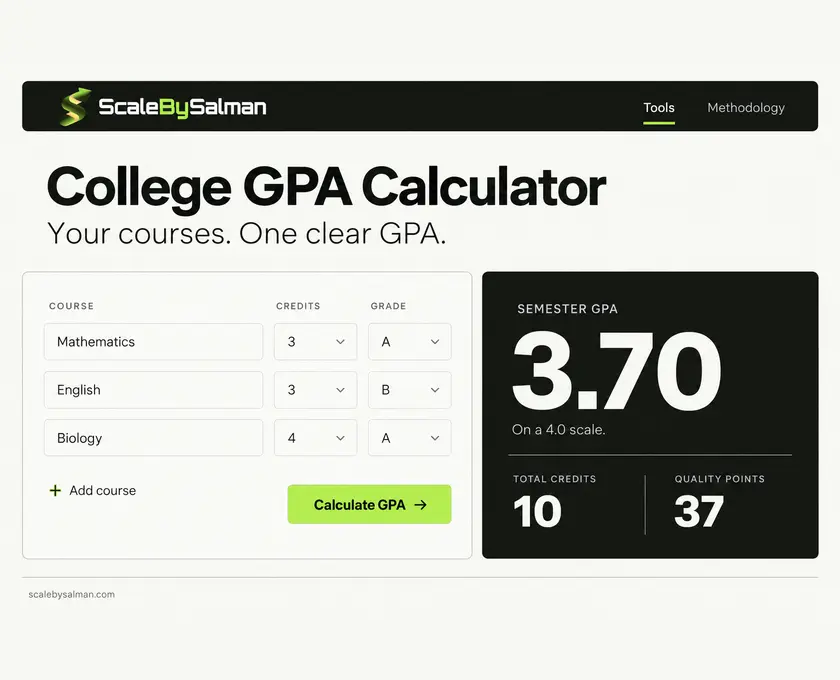
College GPA Calculator
Calculate semester and cumulative GPA from course grades and credit hours.
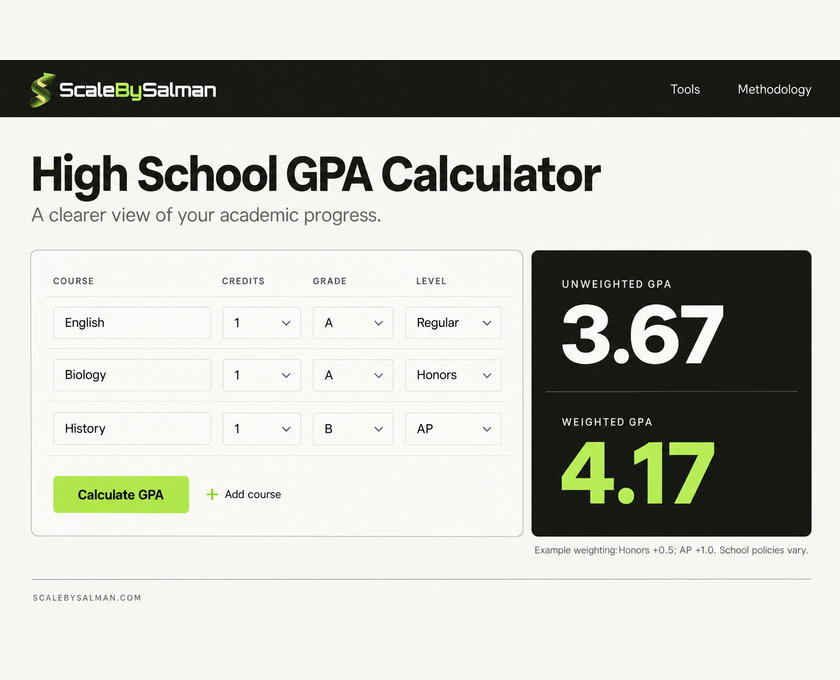
High School GPA Calculator
Weighted and unweighted GPA from course grades, levels and credits.
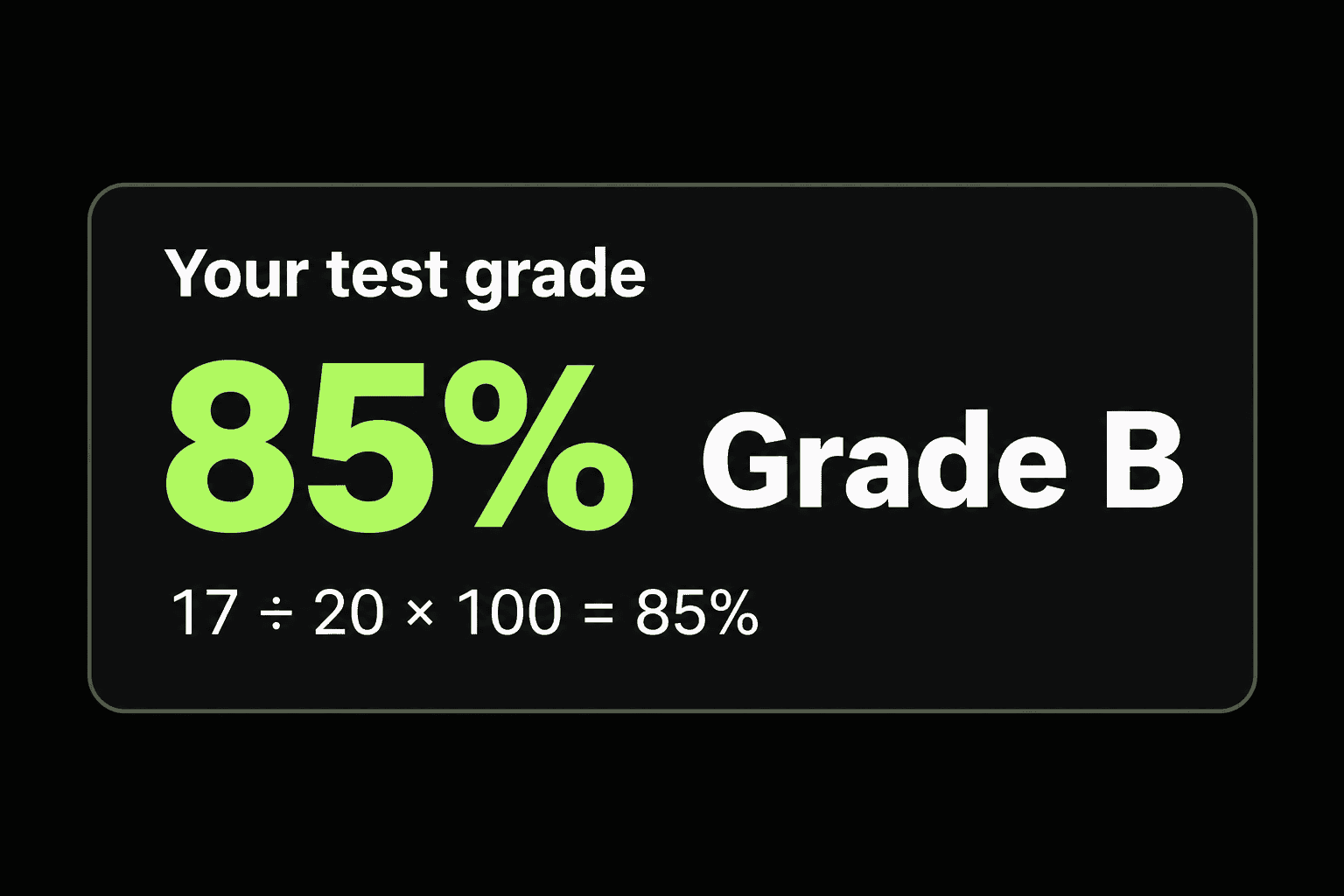
Test Grade Calculator
Turn a test score, in questions or points, into a percentage and letter grade.
Related guides
- How to calculate weighted grades: category weights, step by step.
- How to calculate a semester grade from quarter grades: a worked walk-through.
- Test score to grade chart: common scores and their letter grades.
Looking for something else? See all the free tools, read more in the guides library, or go back to the ScaleBySalman homepage. Questions about your data or our rules? Read the privacy policy and the terms of use, and see our advertising disclosure.
Related tools
Final Grade Calculator: Find the score you need on a single final exam using your current course grade.
College GPA Calculator: Calculate semester and cumulative college GPA using course grades and credits.
High School GPA Calculator: Combine grades from multiple high school courses to estimate weighted and unweighted GPA.
How to Calculate Your Final Grade: Weighted Average Formula: A step-by-step guide with the weighted-average formula and a worked example.