
Final Grade Calculator
Use this final grade calculator to find the score you need on your final exam. Enter your current course grade, target grade and final exam weight, then press Calculate. To see what you need to pass, use your course’s passing grade as the target.
Assumption: This calculation assumes your current grade represents all non-final coursework and your final exam is the only remaining component. Check your syllabus for extra credit, rounding rules, minimum exam scores, and other course requirements.
Required final exam score
Course grade tracker
Enter every non-final item with its score and its weight as a percentage of the whole course (not a relative weight). Those weights must add up to 100% minus the final exam weight. The result becomes your current grade above.
| Assignment | Grade (%) | Course weight (%) | Remove |
|---|
If your situation is different
- Final has two parts. Add the two weights together and enter the combined weight, then treat the score you need as the average across both parts.
- Points instead of percentages. Convert to a percentage first: points earned ÷ points possible × 100. Convert the final's weight the same way, as its points ÷ total course points × 100.
- Lowest grade is dropped. Remove the dropped item before working out your current grade. The calculator does not drop grades for you.
- You have already taken the final. This tool is for planning. Your course grade is your current grade × (100 − weight) ÷ 100 + final score × weight ÷ 100.
- You want to compare targets. Open the table below the grade reference to see the score needed for each letter grade at once.
Score needed for each letter grade (with your numbers)
| Target letter | Target (minimum) | Required on final |
|---|
Uses your current grade and final weight above and the minimum percentage for each letter on the standard scale below. Required scores are rounded up to 0.1.
Letter grade scale used by this calculator
| Letter | Percentage range | Used as a target | Used as current grade (estimate) |
|---|---|---|---|
| A+ | 97 to 100% | 97% | 98.5% |
| A | 93 to under 97% | 93% | 95% |
| A− | 90 to under 93% | 90% | 91.5% |
| B+ | 87 to under 90% | 87% | 88.5% |
| B | 83 to under 87% | 83% | 85% |
| B− | 80 to under 83% | 80% | 81.5% |
| C+ | 77 to under 80% | 77% | 78.5% |
| C | 73 to under 77% | 73% | 75% |
| C− | 70 to under 73% | 70% | 71.5% |
| D+ | 67 to under 70% | 67% | 68.5% |
| D | 63 to under 67% | 63% | 65% |
| D− | 60 to under 63% | 60% | 61.5% |
| F | 0 to under 60% | — | 30% |
This is a common scale, not a universal one. Ranges include the lower number and stop just below the upper one (93 to under 97 means 93.0 up to 96.99…). A letter as a target uses the minimum; a letter as your current grade is only an estimate (the midpoint). Your school may use different cutoffs, so check your syllabus.
What Do I Need on My Final? Quick Answers for Passing, an A or a B
Most “what do I need on my final” questions come down to the same three numbers: your current grade, the grade you want and how much the final exam counts. The calculator above turns them into one required score, so you can see in seconds whether a target is comfortable, tight or out of reach.
What do I need on my final to pass the class?
Enter your school’s lowest passing grade as the target. If the result is above 0% and up to 100%, that is the minimum final exam score that keeps you at or above the pass mark. If it is 0% or below, you are already at or above the pass mark under the weighted-average assumption. If it is above 100%, the pass mark is out of reach without extra credit. Passing grades differ between schools and courses, so check your syllabus for the exact cutoff and for any minimum score the final itself must reach.
What do I need on my final to get an A, a B or a C?
Type a letter as your target and the calculator uses the lowest percentage for that letter on the standard scale shown below: 93% for an A, 83% for a B and 73% for a C. Open “Score needed for each letter grade” to see every letter side by side for your own numbers.
How much does the final exam weight change the score I need?
The heavier the final, the more it can lift or sink your grade. Take a current grade of 85% and a target of 90%:
- Final worth 20%: you would need 110%, so the target is out of reach.
- Final worth 30%: you would need 101.7%, still out of reach.
- Final worth 40%: you would need 97.5%.
- Final worth 50%: you would need 95%.
Each line uses the same formula shown below, so you can check any figure by hand. Use your own current grade and your own exam weight for a real answer.
How to Calculate Your Final Grade: The Final Exam Grade Formula
Most courses use a weighted grading system: homework, quizzes, midterms and the final exam each count for a percentage of the course grade. Your current grade covers the part of the course that is not the final. The final exam’s weight is the open slot, and the calculator solves for the exam score that fills it.
(Target × 100 − Current × (100 − Final weight))
÷ Final weight
- Target: the course grade you want, as a percentage.
- Current: your weighted average across all non-final coursework, as a percentage.
- Final weight: the share of the course grade the final exam is worth, above 0 and up to 100.
Worked example
Given: current grade 88%, target course grade 90%, final exam worth 40%.
Step 1: The coursework counts for 100 − 40 = 60% of the course grade.
Step 2: Your coursework contributes 88 × 60 = 5,280 grade points.
Step 3: The target total is 90 × 100 = 9,000 grade points.
Step 4: The final must supply 9,000 − 5,280 = 3,720 grade points.
Step 5: Divide by the final's weight: 3,720 ÷ 40 = 93%.
You need at least 93% on the final exam to reach a 90% course grade.
Reading the result
- Above 0% and up to 100%: this is the minimum score you need. It is rounded up to the next 0.1% so the displayed number is never lower than the exact requirement.
- 0% or below: your target is already met under the stated assumptions. Even a 0% on the final leaves you at or above it. The calculator still shows the calculated figure, which can be negative.
- Above 100%: the target is not reachable under the standard 100% cap on the exam. The calculator shows the highest course grade you can reach with a perfect final.
Finding your final exam weight
Check the grading section of your syllabus or course page. If it lists points rather than percentages, divide the final’s points by the total course points and multiply by 100. See the calculator methodology for the full list of assumptions, validation rules and rounding.
Grading scales, rounding and extra credit
Letter-grade cutoffs and rounding rules vary by school, and some instructors round final grades up. This tool does not apply school-specific rounding, minimum exam scores or extra credit, so follow your institution’s rules. Grades and exam scores above 100% are rejected rather than accepted silently.
Questions or an error to report? Visit the contact page.
Frequently asked questions
How do I calculate what I need on my final exam? ▾
What if the calculator says I need more than 100%? ▾
What does a required score of 0% or below mean? ▾
Can I pass the class if I fail the final? ▾
How do I find my final exam weight? ▾
What counts as my current grade? ▾
How are extra credit and grades above 100% handled? ▾
How are letter grades handled? ▾
How does the course grade tracker work? ▾
Are the numbers I enter saved or sent anywhere? ▾
Final Grade Calculator · Free to use · No sign-up · Works on any device · Methodology
How The Result Is Worked Out.
The calculator uses the standard weighted-grade method. These are the assumptions behind the result. The full list is on the methodology page.
Combining quarter grades and exam weights into one result?
Try the Semester Grade Calculator.
Working out weighted and unweighted GPA from high school courses? Try the High School GPA Calculator.
Not sure what score you need? Read Final Exam Grade Formula: How to Calculate the Score You Need.
Working out your semester or cumulative GPA? Try the College GPA Calculator.
Free calculators
More free calculators
Pick the next tool for what you're working out. Each one shows its formula and assumptions, and none needs an account.
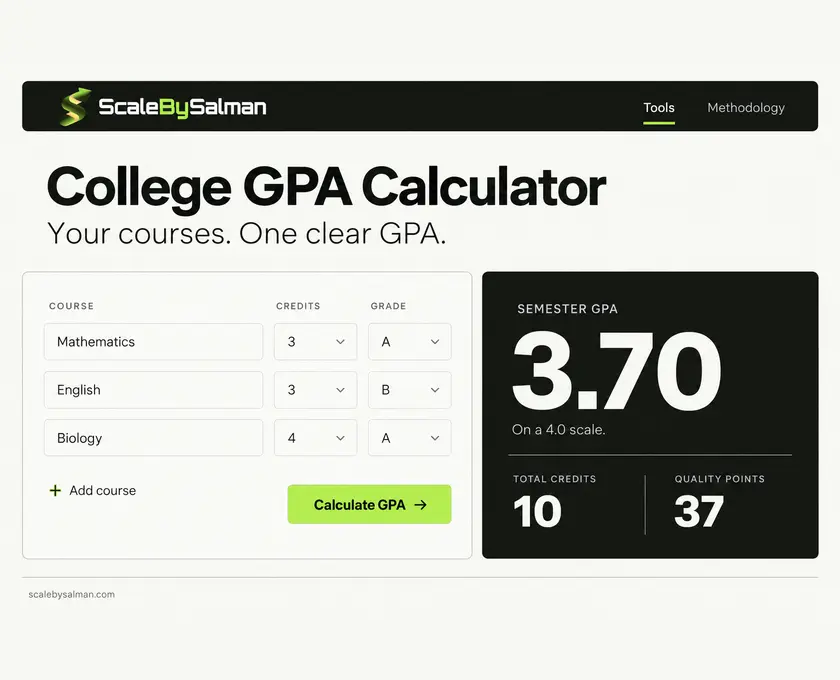
College GPA Calculator
Calculate semester and cumulative GPA from course grades and credit hours.
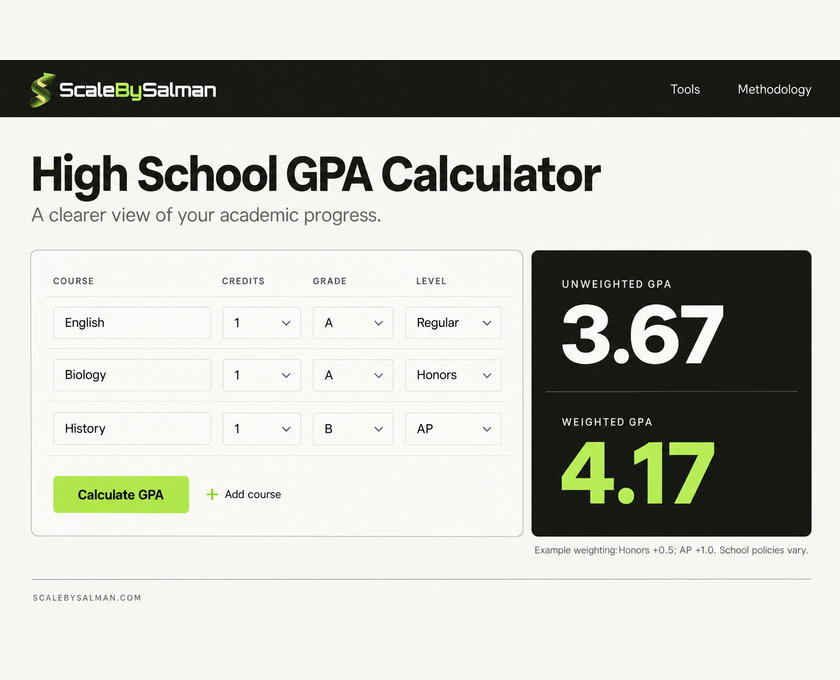
High School GPA Calculator
Weighted and unweighted GPA from course grades, levels and credits.
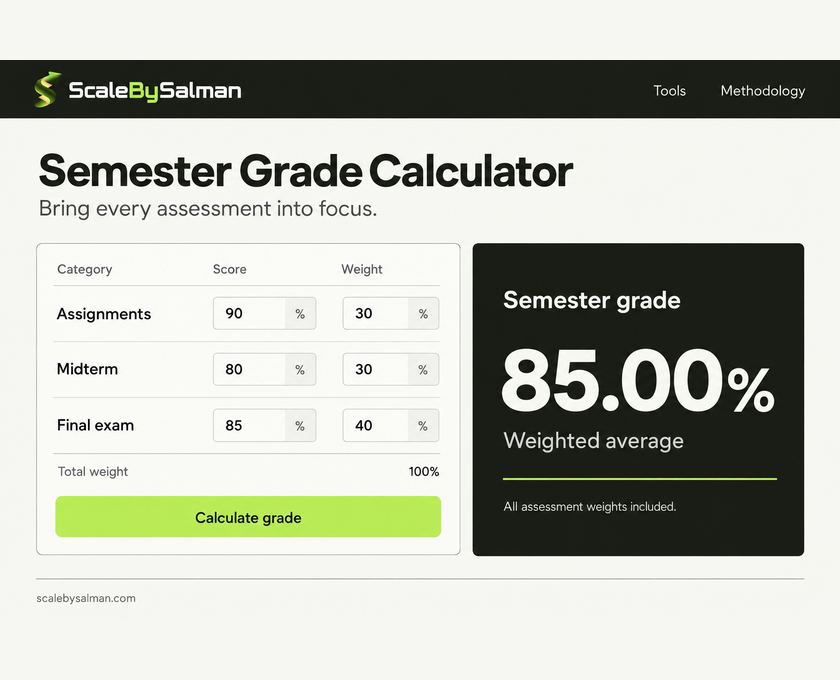
Semester Grade Calculator
Combine quarter grades and exam weights into one semester result.
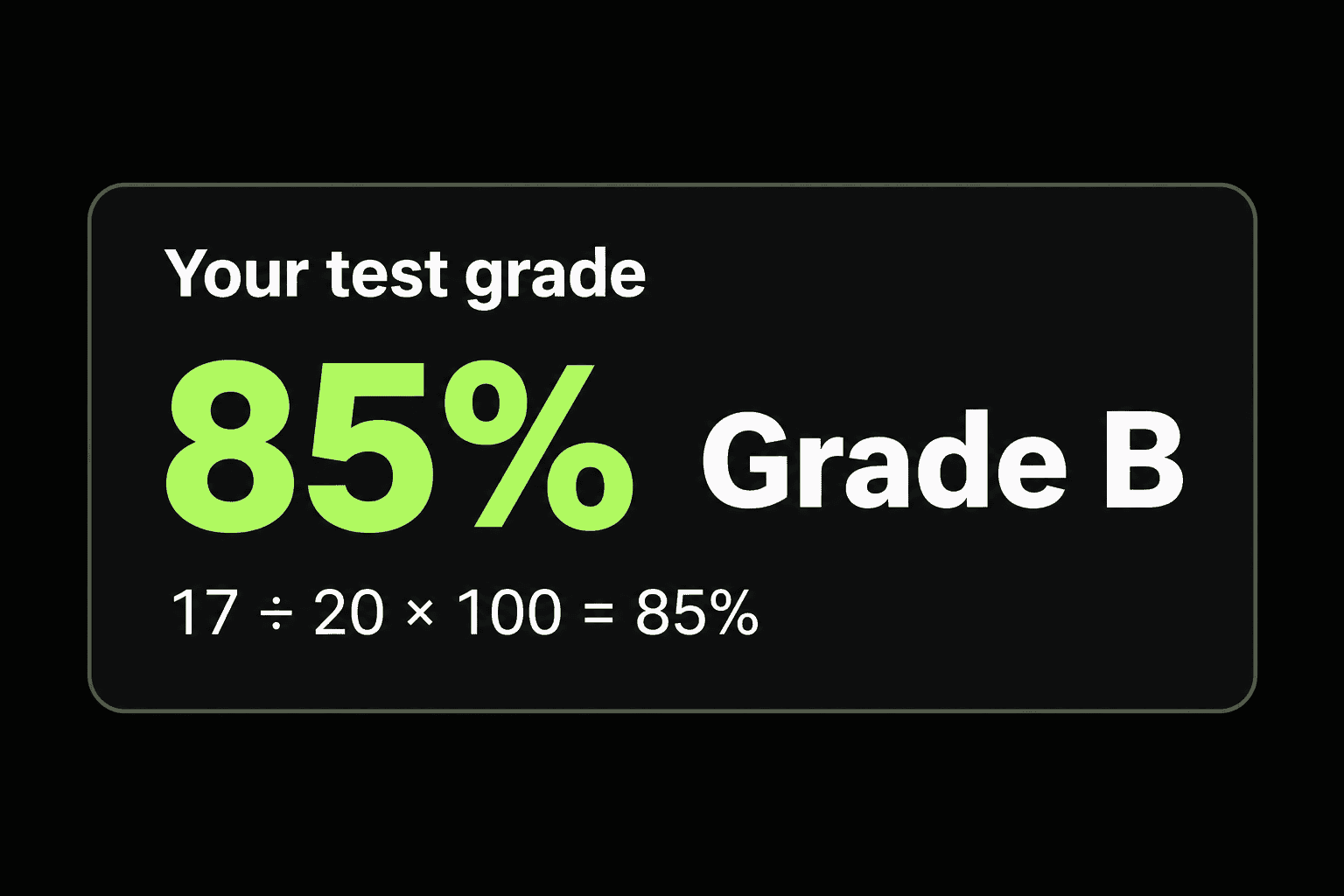
Test Grade Calculator
Turn a test score, in questions or points, into a percentage and letter grade.
Related guides
- What do I need on my final?: the exact formula, with examples.
- How to calculate weighted grades: category weights, step by step.
- What score do you need to pass?: turn a pass mark into points.
Looking for something else? See all the free tools, read more in the guides library, or go back to the ScaleBySalman homepage. Questions about your data or our rules? Read the privacy policy and the terms of use, and see our advertising disclosure.